

Your team has invested in detailed 3D scenes, geospatial data or architectural visualizations. The next challenge is getting that work in front of the people who need to see it: clients, project partners and decision-makers who want to open a browser and explore, including on mobile.
At optml.io, we help turn complex scenes into smaller, interactive visual assets. The aim is to make the quality you have already created easier to share, without requiring your audience to load the full source scene or use specialist software.
In one geospatial project, source data measured in tens of gigabytes became a complete 10–30 MB visual asset, renderable on mobile. The supported camera-navigation area had an approximately 4 km radius, with sightlines extending 15–30 miles into the surrounding landscape.
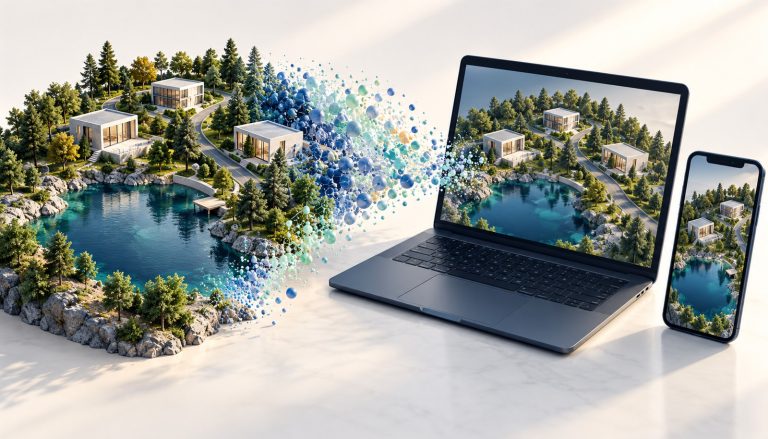
Concept illustration of bringing a detailed 3D scene to web and mobile. Not a project screenshot.
Make more of the 3D work you already own
A detailed scene can be valuable long before it is practical to distribute. It may capture a development proposal, a landscape or an architectural design with the appearance you want, yet be too demanding for an ordinary browser experience.
Rather than rebuilding everything around the constraints of the viewer’s device, we can use high-quality rendered views of the existing scene to create a different delivery asset.
Gaussian splatting represents a scene as many small, overlapping visual elements that let people explore it from different viewpoints.
For the audience, the value is straightforward: an interactive view of the scene, rather than a fixed image or video. For the organization, it offers another way to put existing visual work to use in presentations, project communication and customer-facing experiences.
A large landscape, a much smaller delivery asset
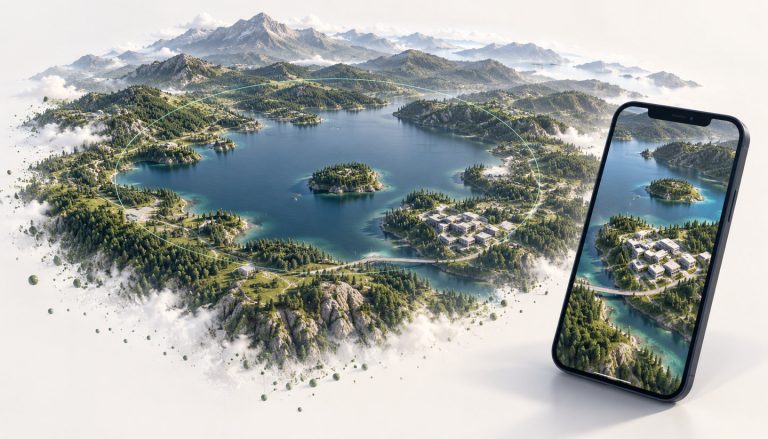
Concept illustration of a viewing region and its surrounding landscape. Not a measured map or project screenshot.
Our geospatial example combined imagery with trees and buildings derived from LiDAR. Preparing that content was already substantial work. Once assembled, the scene was too heavy for the real-time loading and rendering experience the project needed.
We moved the demanding rendering work offline, then converted those high-quality views into a splat-based representation. The resulting 10–30 MB asset contained the complete visual representation for the supported navigation area, not just the content visible from one camera position.
That distinction matters when planning a browser experience. People could move the camera within the approximately 4 km-radius area while seeing features 15–30 miles away. The much smaller asset served the visual experience; the source data could still be used separately where its original detail was needed.
This was a conversion of the scene’s appearance, rather than lossless compression of all its underlying data. It let us move expensive preparation and rendering out of the mobile viewing experience.
Carry architectural quality into an interactive presentation
Architectural teams face a similar challenge: an offline render can show a design beautifully, but sharing that quality as an interactive experience introduces different constraints.
In our architectural examples, we used expensive offline renders as the source for conversion. The results looked more realistic than the texture-baking approach we compared them with, giving us a promising route from carefully produced imagery to an explorable scene.
If you have already invested in a scene’s visual quality, that is worth investigating before committing to a separate real-time rebuild. The right question is how well the converted experience communicates your design from the viewpoints your audience needs.
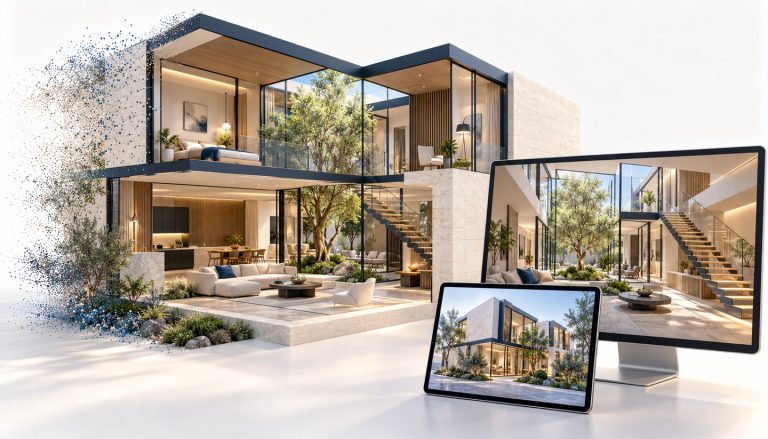
Concept illustration of an architectural scene presented interactively. Not a project screenshot or quality benchmark.
Start with the experience your audience needs
This approach is particularly useful when people need to explore a largely fixed environment: understand a landscape, review a proposal or walk through an architectural presentation. We tune the conversion method to the scene and intended experience, using 3D Gaussian Splatting (3DGS), 2D Gaussian Splatting (2DGS), or a combination of techniques. You define the experience your audience needs; we work out which approach fits.
A focused evaluation should establish:
- What people need to see: the navigation area, important viewpoints and details that must come through clearly.
- Where they will view it: the browsers, phones and network conditions the experience needs to support.
- What else they need to do: selecting objects, accessing project information or using measurement and editing tools.
- How often the scene changes: the update process needed to keep the visual experience current.
Precise measurement, editable geometry and simulation may still depend on the original data or other systems. A visual asset can sit alongside those capabilities. Testing a representative scene makes the quality, loading and maintenance trade-offs concrete before a wider rollout.
Built with the viewing experience in mind
We also build and operate Optimal 360, our 3D and 360° product-photography platform. You can try it to see our product engineering in practice. It brings capture and interactive viewing together in a product designed to deliver an optimal web experience.
Get Started Today
Book a session with optml.io to discuss your scene or dataset, who needs to explore it and where they will view it. Together, we can identify a representative example and assess whether conversion is a practical route to the browser experience you want.